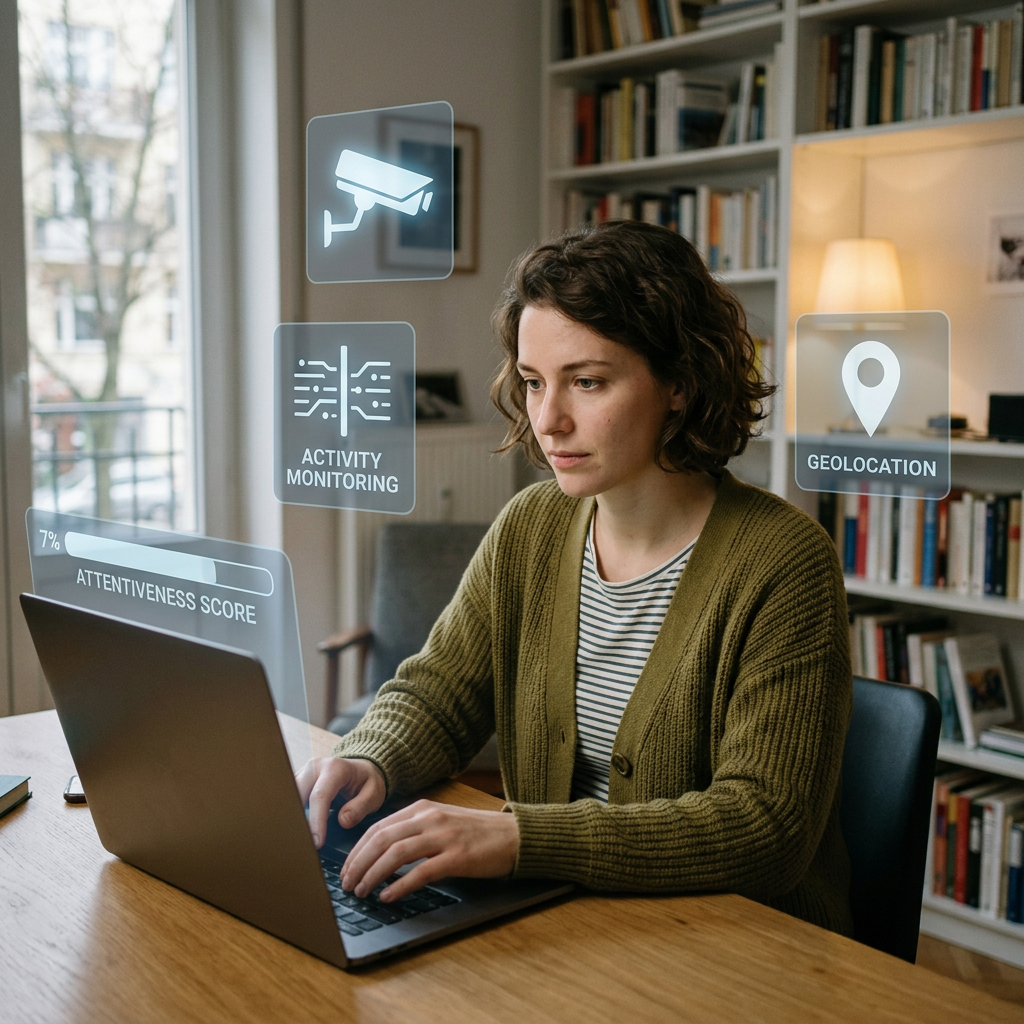

Working from home offers flexibility, fewer commutes, and often a better work-life balance. But it has also created a question that many employees quietly wonder about:
Can employers spy on remote workers?
The short answer is yes—but there are important legal limits.
Many companies use software to monitor productivity, protect company data, and ensure employees are working during scheduled hours. However, employers generally cannot monitor you without boundaries, especially when it comes to your personal devices, private spaces, and activities unrelated to your job.
Employee rights vary depending on state and federal protections, which are enforced through agencies like the U.S. Department of Labor. If you’re concerned about whether your employer is watching you, this guide explains what employers can legally track, what they cannot do, and what your rights are as a remote employee.
We regularly cover employee protections in our Employee Rights Hub, where you can learn how workplace laws apply in everyday situations.
Table of Contents
Can Employers Monitor Remote Employees?
Yes. Employers can legally monitor remote employees in many circumstances.
In the United States, employers generally have broad authority to monitor work-related activities if:
- The monitoring serves a legitimate business purpose.
- Employees have been informed through policies or handbooks.
- The monitoring occurs on company-owned equipment.
- The monitoring relates to protecting company data, productivity, or security.
However, employers do not have unlimited authority to invade employee privacy.
Whether monitoring is legal often depends on:
- State privacy laws
- Whether company devices are being used
- Whether consent was provided
- Whether monitoring occurs during work hours
- Whether the monitoring is reasonable
How Do Employers Monitor Remote Workers?
Companies use various tools to track work activity.
1. Activity Monitoring Software
Software may track:
- Keyboard activity
- Mouse movements
- Time spent actively working
- Applications being used
- Websites visited
- Idle time
Popular software programs include:
These systems create productivity reports for managers.
2. Screenshot Monitoring
Some employers use software that periodically captures screenshots of employee screens.
This may happen:
- Every few minutes
- Randomly throughout the day
- During active work sessions
The screenshots may be reviewed by supervisors.
3. Computer Usage Tracking
Employers can often see:
- Websites you visit
- Files downloaded
- Documents opened
- Software usage
- Time spent on specific programs
This is especially common on company-issued computers.
4. Email Monitoring
If you’re using a company email account, assume your employer can access it.
Employers may review:
- Emails sent and received
- Attachments
- Email metadata
- Deleted messages in some cases
Work email is generally not private.
5. Messaging Platform Monitoring
Employers can often review conversations on company platforms such as:
- Slack
- Microsoft Teams
- Google Chat
Avoid assuming these conversations are confidential. See Can Employers Monitor Slack or Microsoft Teams Messages?
6. VPN and Network Monitoring
Virtual Private Networks (VPNs) allow companies to monitor:
- Login times
- Internet traffic
- Network usage
- Data transfers
- Security threats
This is commonly used in cybersecurity-sensitive industries.
7. Webcam Monitoring
This is one of the most controversial forms of remote employee monitoring.
Some companies:
- Require video meetings
- Require cameras during training sessions
- Use virtual check-ins
However, continuous webcam surveillance raises significant privacy concerns.
State laws may limit these practices.
Can Employers Turn On Your Webcam Without Permission?
Generally, no.
Employers should not secretly activate your webcam.
Unauthorized webcam activation could potentially violate:
- State privacy laws
- Wiretapping laws
- Computer fraud laws
Secretly recording employees inside their homes creates substantial legal risk for employers.
If you discover unauthorized webcam access, document it immediately.
Can Employers Listen Through Your Microphone?
Usually not without consent.
Employers generally cannot secretly record private conversations.
Several states require all parties to consent before conversations can be recorded.
States with stronger consent requirements include:
- California
- Pennsylvania
- Florida
- Maryland
- Massachusetts
Recording laws vary by state.
Can Employers Track Your Location While Working From Home?
Sometimes.
Location tracking may be legal if:
- You use a company phone.
- You use company vehicles.
- You have employer-installed apps.
- Your job requires travel.
Employers generally should not continuously track your personal phone outside of work hours.
Can Employers Monitor Your Personal Computer?
Usually not unless you consent or install company software.
If you use your own computer for work:
Your employer may gain access if you install:
- Security software
- Virtual desktops
- Remote access tools
- Company management applications
Before installing anything, read the permissions carefully.
Can Employers See What You Do After Work?
Generally, no.
Employers should not monitor:
- Personal browsing after work
- Personal emails
- Private social media accounts
- Family activities inside your home
However, if you continue using company devices after hours, some monitoring may continue.
Always assume a company computer remains company property.
Are Employers Required to Tell You They’re Monitoring You?
Not always.
Federal law does not universally require employers to disclose all monitoring activities.
However, many states have disclosure requirements.
Most employers provide notice through:
- Employee handbooks
- Privacy policies
- Technology use agreements
- Employment contracts
Read these documents carefully.
Warning Signs Your Employer Is Monitoring You
Look for these indicators:
- Monitoring software installed on your computer
- Frequent screenshot notifications
- Webcam permission requests
- VPN requirements
- Browser restrictions
- Pop-up security warnings
- Unexpected system slowdowns
- Detailed productivity reports
These may indicate workplace monitoring tools are active.
What Are Your Rights as a Remote Employee?
Employees still have privacy rights while working remotely.
You may have legal protections regarding:
Personal Devices
Employers usually have less authority over your personal devices.
Private Spaces
Your home is not an extension of the office.
Continuous surveillance inside private living spaces may create legal issues.
State Privacy Laws
Several states provide stronger employee protections.
Recording Laws
Secret audio recording may be illegal in many states.
Protected Activities
Employers cannot monitor employees to interfere with rights such as:
- Discussing wages
- Reporting discrimination
- Reporting harassment
- Reporting safety violations
- Participating in protected workplace activities
How to Protect Your Privacy While Working Remotely
Follow these best practices:
Use Separate Devices
Whenever possible:
- Use company devices only for work.
- Use personal devices for personal activities.
Read Company Policies
Review:
- Employee handbooks
- Technology policies
- Remote work agreements
Limit Personal Activity on Company Equipment
Avoid:
- Personal banking
- Online shopping
- Private messaging
- Personal email
Create Separate User Profiles
Separate work from personal accounts.
Ask Questions
If you’re unsure, ask HR:
“What monitoring software does the company use, and what information is collected?”
What Should You Do If You Think Your Employer Crossed the Line?
Document everything.
Save:
- Screenshots
- Emails
- Policy documents
- System notifications
Then:
- Review company policies.
- Contact Human Resources.
- File an internal complaint if necessary.
- Consult an employment attorney if your privacy rights may have been violated.
Do not delete evidence.
Frequently Asked Questions
Is it legal for employers to spy on remote workers?
Employers can monitor work-related activities, but they cannot ignore privacy laws or secretly invade employees’ personal lives.
Can my employer watch me through my laptop camera?
Generally, employers cannot secretly activate your webcam without authorization.
Can my employer see my personal browsing history?
Usually not on your personal device. However, browsing activity on company devices may be visible.
Can employers track mouse movement?
Yes. Many productivity programs track mouse movement and keyboard activity.
Can employers record my conversations?
Recording laws vary by state. Secret recordings may be illegal in many situations.
Final Thoughts
Remote work may happen inside your home, but that doesn’t mean your employer has unrestricted access to your private life.
Companies have legitimate reasons to monitor productivity and protect company information. However, employees still have privacy rights.
Understanding the difference between reasonable workplace monitoring and unlawful surveillance can help you protect yourself.
Visit the Employee Rights Hub for more guides that explain your rights at work in plain language and help you navigate modern workplace challenges with confidence.
Related Articles
- Can Employers Track Your Location or Devices?
- Can Employers Read Your Emails?
- Can Employers Monitor Your Computer at Home?
- Can You Be Fired Without Warning?
- Can Your Boss Read Your Private Messages?
- Is Working Off the Clock Illegal?
- Can You Record a Conversation at Work?
- Can Employers See Your Internet History?
- What Employee Privacy Rights Do You Have?
- Can Your Employer Search Your Personal Belongings?
Disclaimer (Please read)
This article is for informational and educational purposes only and does not constitute legal advice. Employment laws vary by state and individual circumstances. Reading this article does not create an attorney-client relationship. If you believe your workplace privacy rights have been violated, consult a licensed employment attorney in your state for legal guidance specific to your situation. Please read our Terms and Conditions.
Article: Can Employers Spy on Remote Workers?
Discover more from Worker Wisdom℠
Subscribe to get the latest posts sent to your email.