
How to Set Boundaries with Workplace Chat After Hours
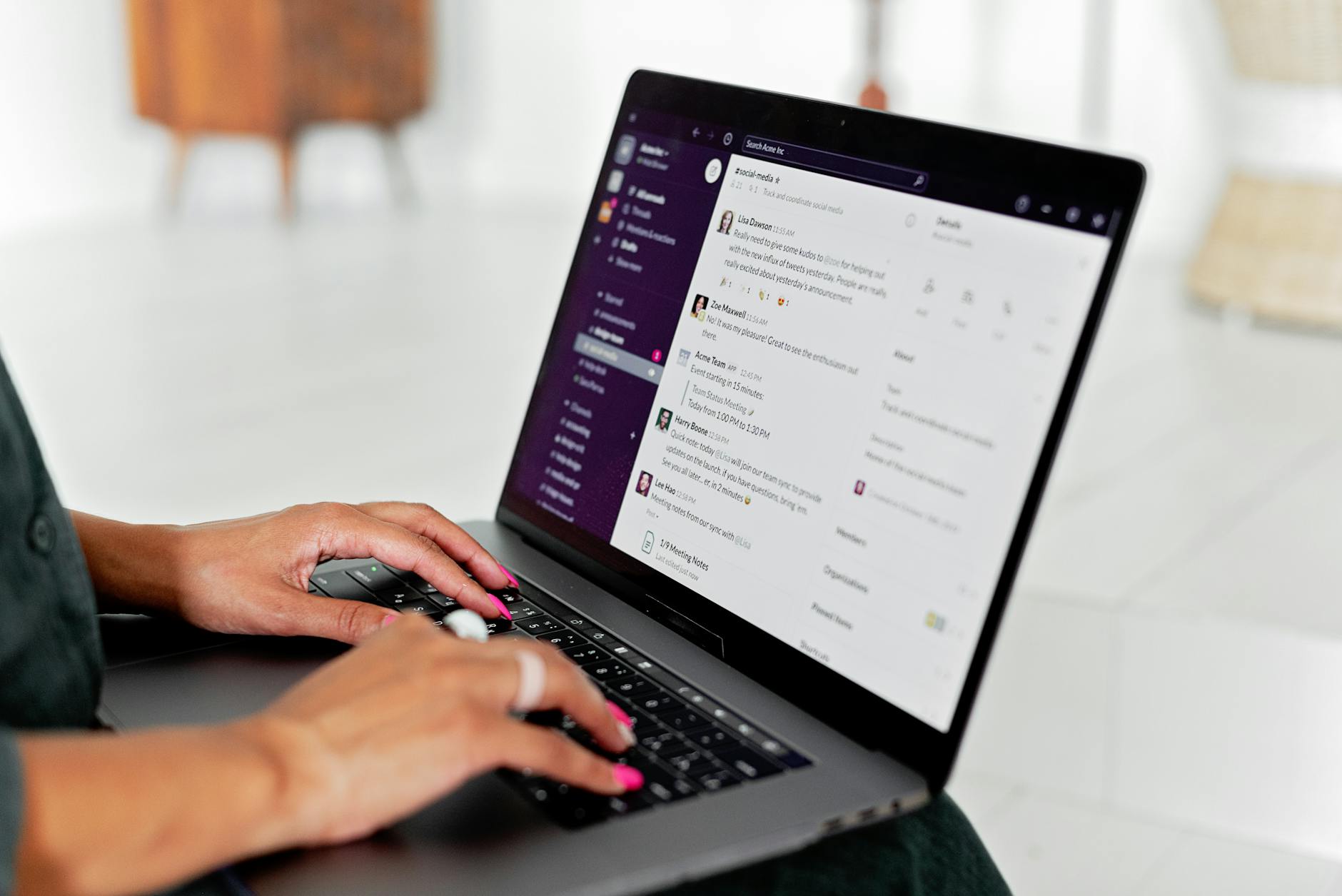
Workplace chat platforms like Slack, Teams, and other instant messaging tools have become incredibly important for quick communication. These platforms keep projects moving and teams connected across time zones. But while workplace chat has streamlined collaboration, it has also blurred the line between work and personal life.
By finding the right balance, organizations can maintain strong communication without overwhelming team members. This article explores how both employees and employers can set healthy boundaries with workplace chat after hours.
Table of Contents
Why After-Hours Messaging Is a Growing Problem
The rise of remote and hybrid work has increased reliance on workplace chat. While convenient, it often creates an “always-on” culture where employees feel obligated to respond immediately, including late at night or on weekends. This can and has caused:
- Burnout: Constant connection makes it harder to unplug, recharge, and maintain mental health.
- Decreased productivity: Overtime communication may give the illusion of productivity but often reduces focus during actual working hours.
- Employee dissatisfaction: Workers may feel their personal time is not respected, leading to disengagement or turnover.
- Legal risks: In some regions, labor laws around “right to disconnect” are emerging, placing responsibility on employers to limit after-hours contact.
Recognizing these risks is the first step toward creating boundaries that protect both employees and businesses.
Employees: How to Set Boundaries Professionally
Employees often struggle to balance their need for downtime with the fear of appearing uncommitted. Here are strategies that help:
1. Communicate Expectations Clearly
If your role doesn’t require being on-call after hours, make your availability known. For example:
- Add working hours to your chat status.
- Let colleagues know when you typically log off.
- Share preferred ways to reach you in case of emergencies (e.g., phone vs. chat).
Being upfront avoids misunderstandings and shows professionalism.
2. Use Workplace Chat Features Wisely
Most workplace chat platforms have tools that support boundaries:
- Do Not Disturb (DND): Turn off notifications during personal time.
- Status Updates: Set a custom status like “Offline – Back at 9 AM.”
- Mute Conversations: Silence non-urgent groups until work hours.
Leaning on these features reduces pressure to check messages outside of work.
3. Model the Behavior You Want to See
If you respond to messages at midnight, others may assume you’re always available. Instead, model healthy boundaries by waiting until the next workday to reply. Consistency helps set expectations for others.
4. Separate Work and Personal Devices
Where possible, use a dedicated work phone or laptop. Logging off completely at the end of the day prevents the temptation to “just check one more message.” If that’s not possible, disable notifications on personal devices during downtime.
5. Have Direct Conversations with Your Manager
If after-hours requests become a pattern, address them respectfully with your supervisor. Example:
“I’ve noticed I often receive messages outside working hours. Could we discuss how urgent issues should be handled versus what can wait until the next day?”
This not only protects your personal time but also clarifies what’s expected.
Employers: Creating a Culture of Respect
Employers hold significant responsibility in shaping norms around workplace chat. Setting clear policies ensures consistency and fairness while fostering employee well-being.
1. Establish Guidelines for After-Hours Communication
Define what is urgent and what can wait. A written policy should clarify:
- Standard work hours for messaging.
- Channels to use for emergencies.
- Expected response times inside and outside of work hours.
This eliminates ambiguity and ensures everyone is on the same page.
2. Lead by Example
Leaders set the tone. If managers consistently send late-night messages, employees may feel obligated to respond—even if told otherwise. Use tools like scheduled messages to draft communication during off-hours but send it at the start of the next business day.
3. Respect Time Zones
In global organizations, time differences complicate communication. Encourage employees to schedule messages so colleagues in other time zones receive them during working hours. This prevents unnecessary interruptions.
4. Train Teams on Chat Etiquette
Not all employees instinctively know best practices for digital communication. Offer training on:
- Using status indicators effectively.
- Recognizing when an email is better than a chat.
- Marking messages as urgent only when necessary.
Educating teams promotes consistency and avoids misinterpretations.
5. Encourage Use of “Focus Time”
Support employees in setting aside distraction-free blocks during the day. Many chat platforms integrate with calendars to show when someone is unavailable. Respecting this time helps productivity and reduces the need for after-hours catch-up.
6. Address Legal and Compliance Issues
Some countries, like France and Canada, have formal “right to disconnect” laws. Even if not legally required, employers should evaluate compliance risks. For U.S. organizations, overtime pay laws may apply if hourly employees are expected to engage with workplace chat after hours. Staying proactive avoids costly disputes.
Finding the Right Balance
The goal is not to eliminate flexibility because sometimes after-hours communication is necessary. Instead, the focus should be on balance. Employees should feel confident that stepping away from workplace chat will not harm their reputation, and employers should foster a culture where personal time is respect. When these conditions exist, organizations enjoy higher morale, stronger retention, and more focused productivity.
Steps to Implement Boundaries Immediately
Here are some tips employers and employees can start using today:
- Set “office hours” in chat tools so everyone knows when responses can be expected.
- Schedule delayed delivery of messages if drafting after hours.
- Use urgent tags sparingly, only when immediate action is required.
- Encourage employees to unplug fully, and reassure them they won’t be penalized for not checking messages outside work hours.
- Review chat policies annually to adapt to changing work environments.
Final Thoughts
Workplace chat is a powerful tool that connects teams, drives collaboration, and keeps work moving forward. But without boundaries, it can also become a source of stress and imbalance. Both employees and employers share responsibility for setting expectations and respecting personal time.
Follow Us!
Disclaimer: This article is intended for informational purposes only. It provides general information and is not intended and should not be construed as professional advice. The author is not your attorney, accountant, financial planner or any other professional and no professional-client relationship is created. We do not represent that the information provided is accurate or up-to-date as laws and regulations are always changing. If you have an issue that requires professional help, you should contact the appropriate professional to help you on your on your specific set of facts. Please read the Terms and Conditions for additional information.
Article: Workplace Chat. Check out our HR compliance site: www.NEHumanCapital.com.
Discover more from Worker Wisdom℠
Subscribe to get the latest posts sent to your email.